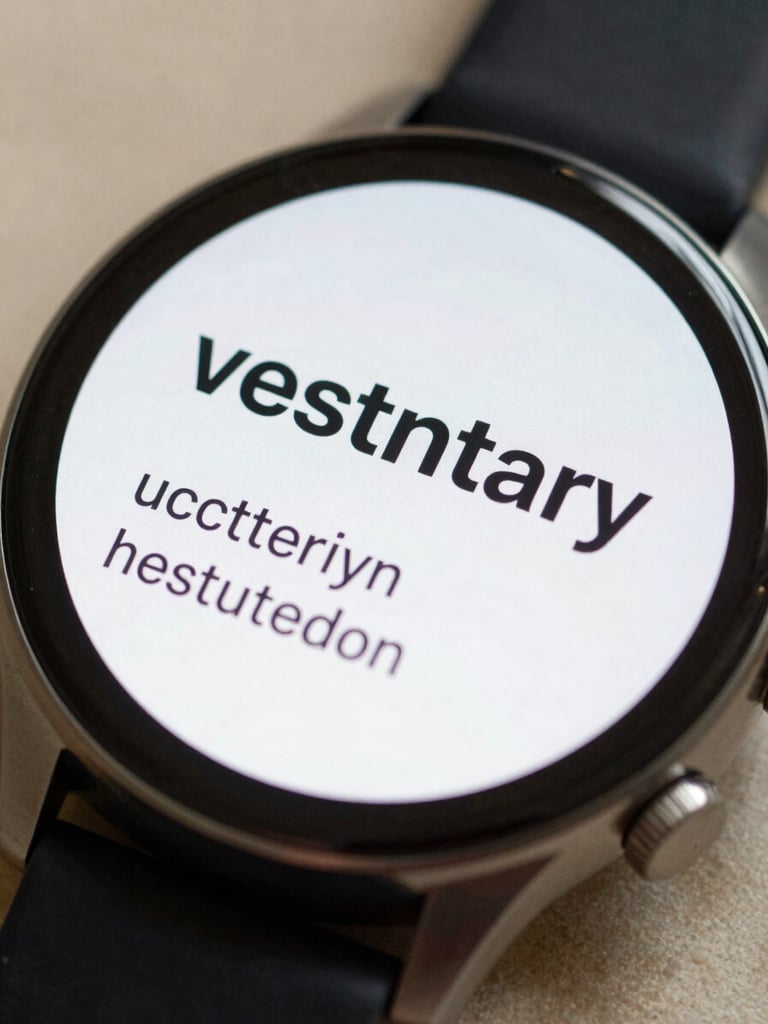
Extreme close-up of a Wear OS watch face displaying a single vocabulary word and its translation in clean sans-serif type, watch resting on a neutral desk surface under soft natural light, screen fills the frame
/ Wear OS · Language Learning

Your watch face, now a vocabulary lesson.

FaceVoca replaces dead time with one word at a glance. No new habit, no phone to unlock — just the wrist you already check.
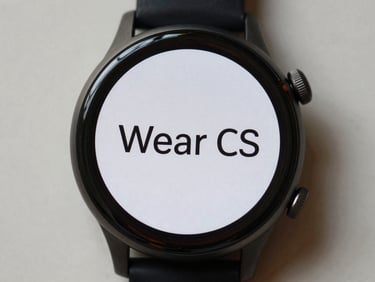
Overhead flat-lay of a Wear OS smartwatch face showing a single bold word centered on screen, neutral light background, close crop
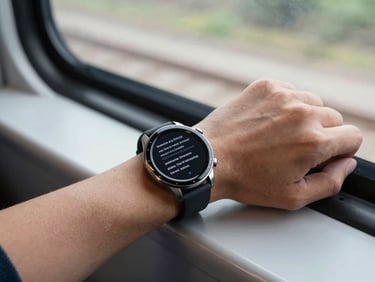
Wrist-worn Wear OS watch seen during a commute, arm resting on a train window ledge, screen lit with vocabulary text, natural daylight, environmental context
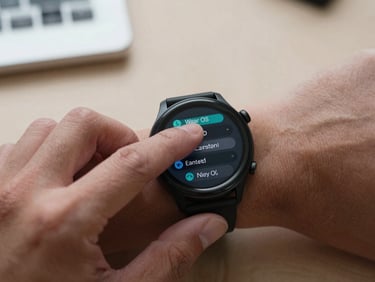
Close-up of fingers navigating Wear OS watch screen settings menu, watch on wrist, neutral desk background, studio light, crisp detail
— Designed for the wrist

Three principles, one screen.

Every design decision starts with the watch's constraints — a small screen, a half-second glance, a user mid-motion. FaceVoca works within those limits, not against them.

One word at a glance

Passive by design

Watch-native interface

FaceVoca shows up every time you check the time. No tap required, no session to start — study happens in pockets you already have.

Built for Wear OS from the ground up — not a phone app shrunk to fit. Controls, layout, and word cycling all follow the watch's own interaction model.

Each word and its translation fit the screen without scrolling. The time stays visible. Nothing competes for your attention.
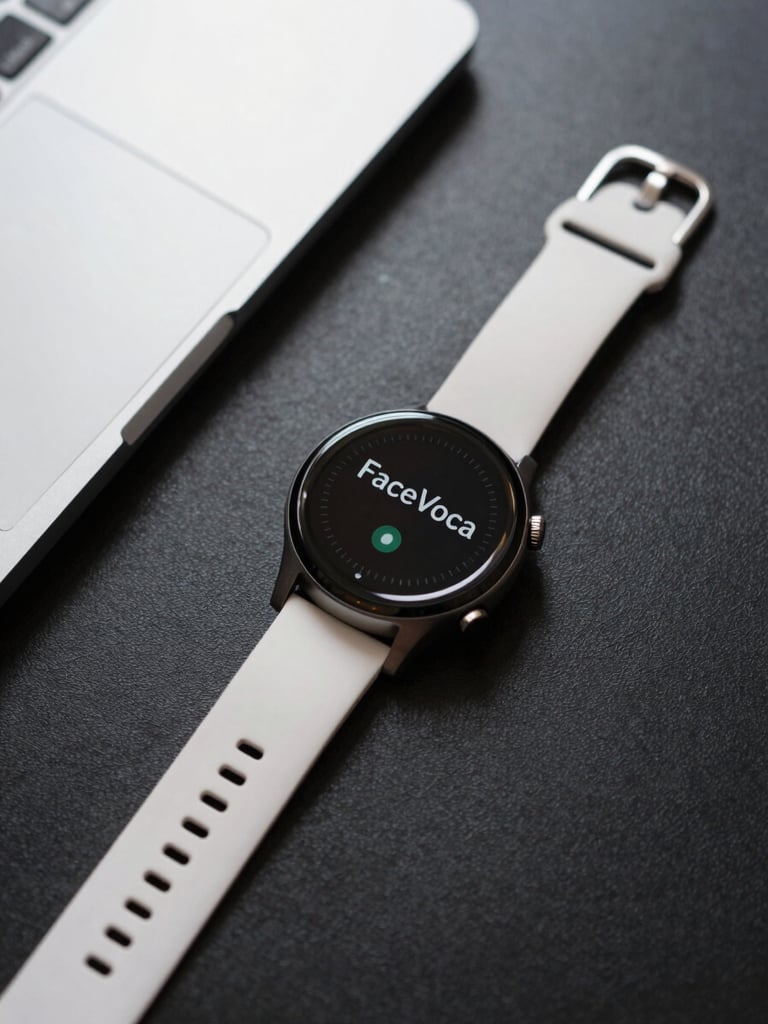
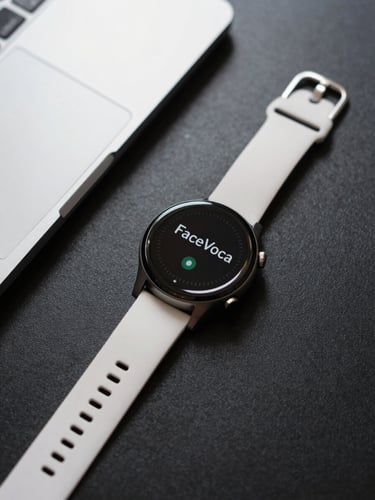
Overhead flat-lay of a Wear OS smartwatch on a clean dark desk surface, screen showing FaceVoca vocabulary word, soft neutral studio light from above, precise and minimal composition
• Under two minutes

From download to first word.

Install FaceVoca from Google Play, open the Wear OS companion app, select FaceVoca as your watch face, and pick your language. Done.

FaceVoca is one tool from YNH Labs — a small studio building focused apps for the wrist. More are on the way.